 Gestor 3D
Bring logos and drawings into 3D modelling
Ordinary images are made of pixels. An SVG describes shapes as paths, which makes it easier to resize and extrude the artwork in modelling software.
Convert logos, drawings and silhouettes into a clean vector file, with a physical size that you define.
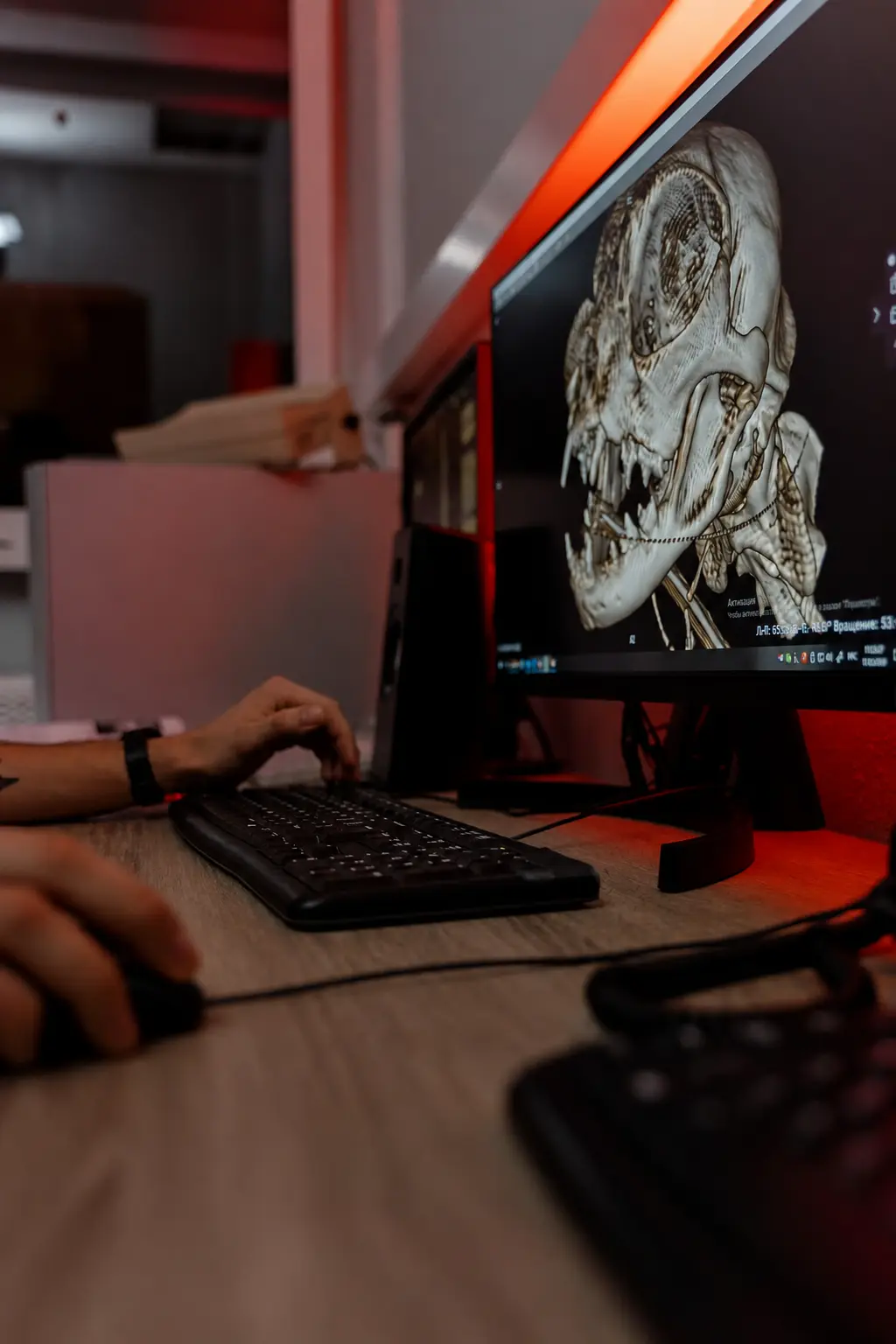
Choose an image with good contrast and well-defined shapes.
Choose the fill, invert the background when needed and set the physical width.
Open the vector in your modelling software to check the outlines and prepare the extrusion.
Ordinary images are made of pixels. An SVG describes shapes as paths, which makes it easier to resize and extrude the artwork in modelling software.
Choose sharp artwork with good contrast and few very small details. Complex photographs usually need simplifying before they make a good relief.
The conversion happens locally. After downloading, check the file in your modelling software or slicer before using it on the final part.
Logos, drawings, icons and silhouettes with clear contrast usually give the best results.
Vector paths can be resized without the visible pixels you get when enlarging an ordinary image.
No. The output uses filled vector paths and does not embed the original image file.
Create your account for free, explore the tools and grow at your own pace.
Convert an image