Custom medals and trophies

Create awards that carry the identity of every event.

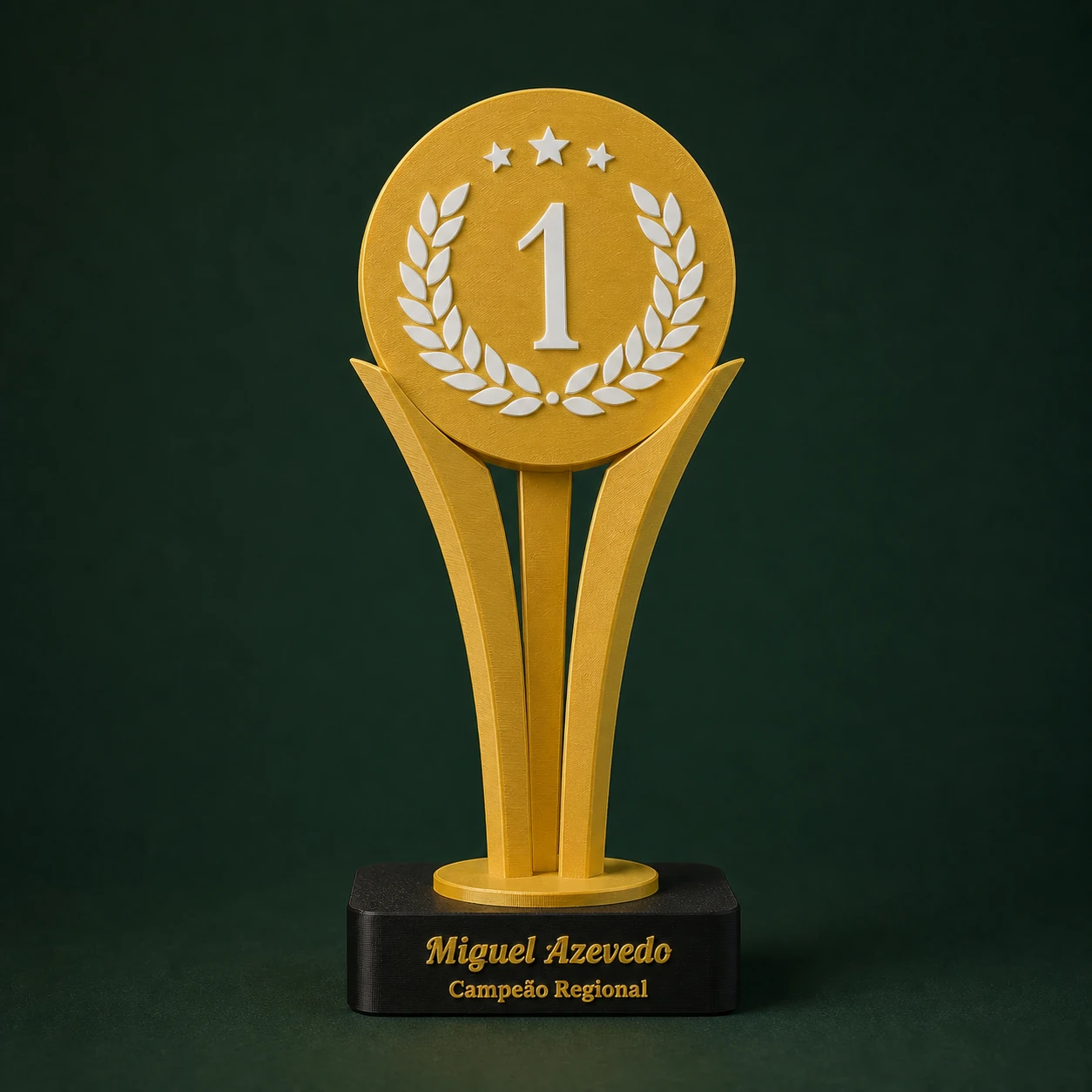
Choose a fixed or adaptive design, add artwork and text and generate a 3MF file ready for checking colours, base and fits.

  • Medals and trophies in distinct designs
  • Configurable SVG artwork, text and colours
  • Bases and fits kept where applicable
Gestor 3DProduction made clear
Custom trophy with artwork and text for 3D printing
How it works

A simple path from start to result.

  1. 01

    Choose the design

    Compare medals, trophies with a base and options that adapt to the shape of the artwork.

  2. 02

    Add the identity

    Upload the SVG, adjust the text and choose colours within the model's safe areas.

  3. 03

    Prepare the print

    Export the 3MF and check fits, volumes, orientation, scale and strength.

Choice

Fixed designs or an adaptive outline

The medals and trophies come in options with a pre-designed body and alternatives where the silhouette follows the uploaded artwork. The choice depends on the look, the event and the way you want to produce them.

Models with a base keep the parts and fits needed for assembly. Always check the real clearance with your material and printer calibration.

Customisation

Combine artwork, event name and category

An SVG design can represent a logo, a sport or the symbol of the award. On models with text, use the available lines for the name, placing, category, date or other short details.

Avoid overly long text and details smaller than the practical resolution of the print.

Colours

Organise the volumes before slicing

Body, artwork, text and base can appear as independent volumes depending on the model. Assign the filaments and make sure no part has been moved or scaled separately.

A test print helps you check the colour change, how well the artwork adheres and the fit between body and base.

Quote

Price the unit and the full event quantity

Awards usually involve several units, categories and different text. Include preparation, artwork review, tests, machine time, material, assembly and packaging in the calculation.

Send the customer a clear quote with quantities, terms and lead time before starting production.

Updated catalogue

Models in this category.

5 models

Basic medal customised for 3D printing01
Multicolour SVG

Basic medal

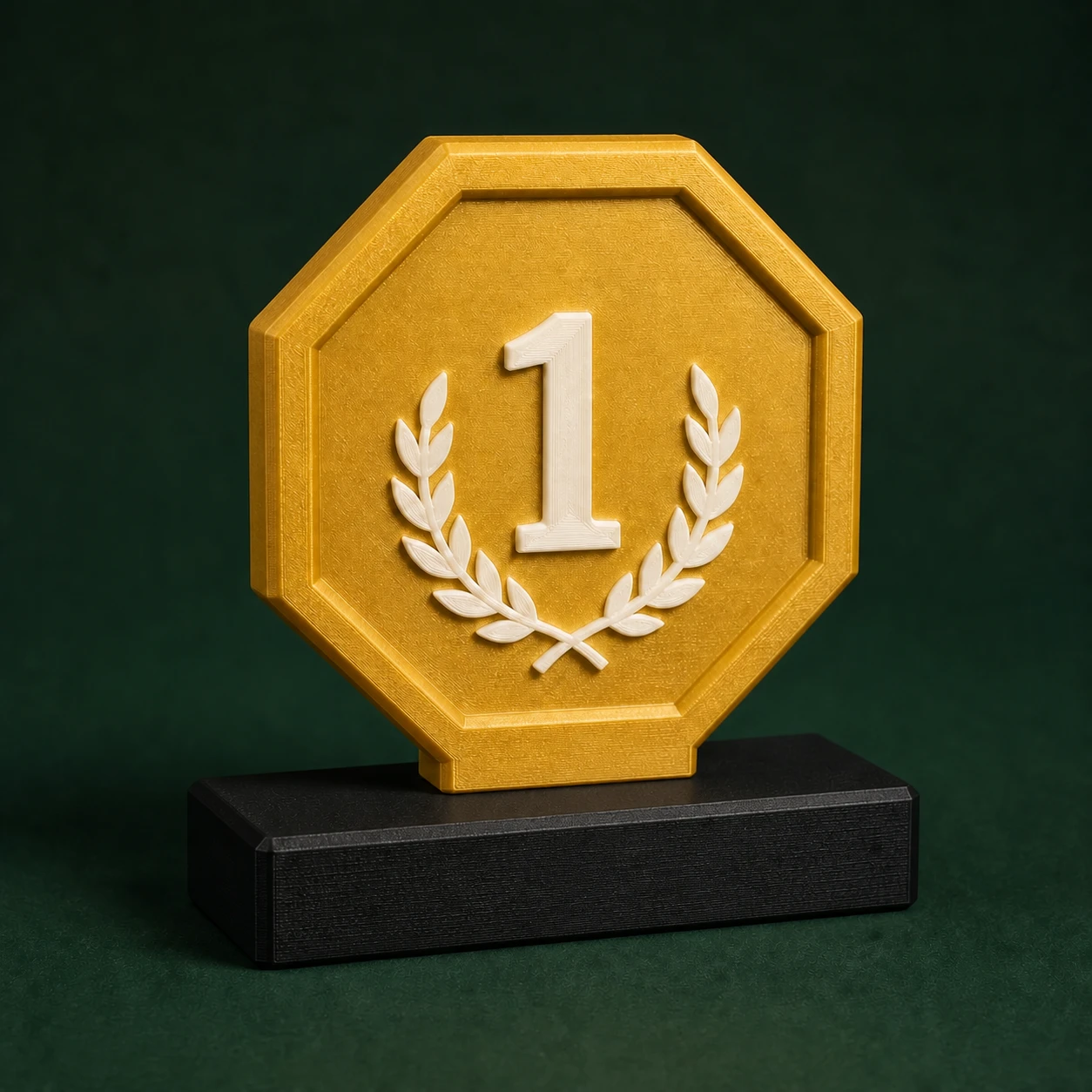
Apply an SVG artwork in relief inside the front circle of the medal.
Adaptive medal customised for 3D printing02
SVG + ribbon slotSubscribers only

Adaptive medal

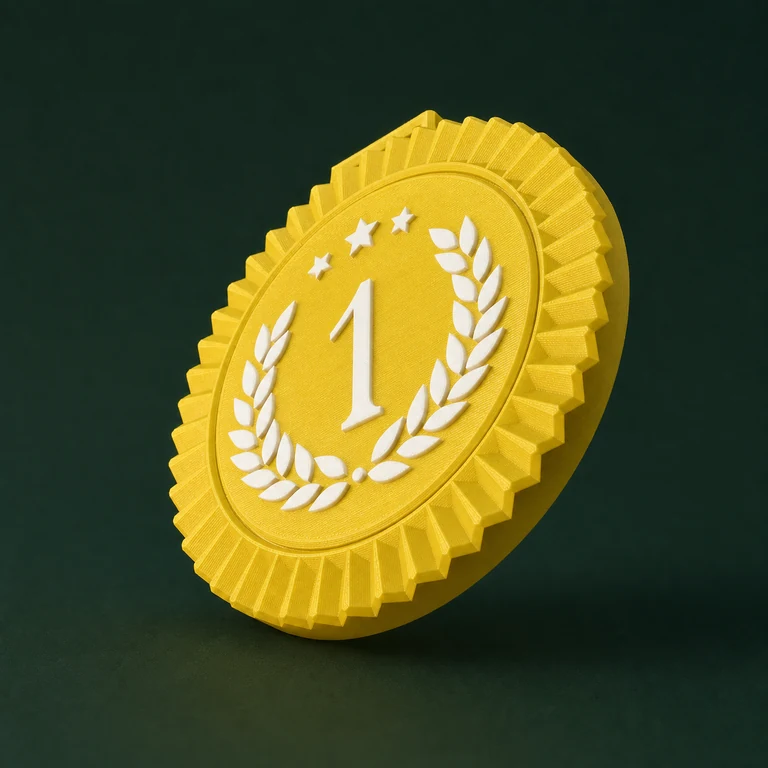
Edit an SVG artwork directly in the 2D preview and generate a reinforced single-sided medal, with an adjustable width for the ribbon.

Elegant trophy customised for 3D printing03
SVG + two textsSubscribers only

Elegant trophy

Edit an SVG artwork and two texts directly in the front 2D preview, preserving the original body and base.

Basic trophy customised for 3D printing04
SVG + separate base

Basic trophy

Edit an SVG artwork directly in the front 2D preview and export the body and the base on separate build plates.

Adaptive trophy customised for 3D printing05
SVG + separate baseSubscribers only

Adaptive trophy

Edit an SVG artwork directly in the 2D preview and generate a single-sided trophy, with a base and an adjustable-width fit.

Common questions

Quick answers before you start.

Is the trophy base in the same file?

On models that have a base, it is kept as an independent part and organised with the body in the 3MF package.

Can I use more than one colour?

Yes, depending on the volumes available in the model. Colours need to be assigned to filaments in your slicer.

Which model should I choose?

Use a fixed design when you want a consistent shape; choose the adaptive option when the silhouette of the artwork should define the body of the part.

Start with no commitment

Bring more clarity to your next part.

Create your account for free, explore the tools and grow at your own pace.

Choose an award